In-store sale → WooCommerce
- A customer buys an item at your physical shop. You process the sale in WebpinnPOS.
- Stock deducts in WebpinnPOS immediately.
- The updated stock level pushes to WooCommerce in real time via the WooCommerce REST API.
Keep your shop and your WooCommerce store in sync.
Connect with an API key. Counter sales reach WooCommerce in real time, and online orders come off your till's count.
This integration uses the WooCommerce REST API. Your WordPress site must have WooCommerce installed and active. It does not work with WordPress sites that use a different ecommerce plugin or no ecommerce plugin at all.
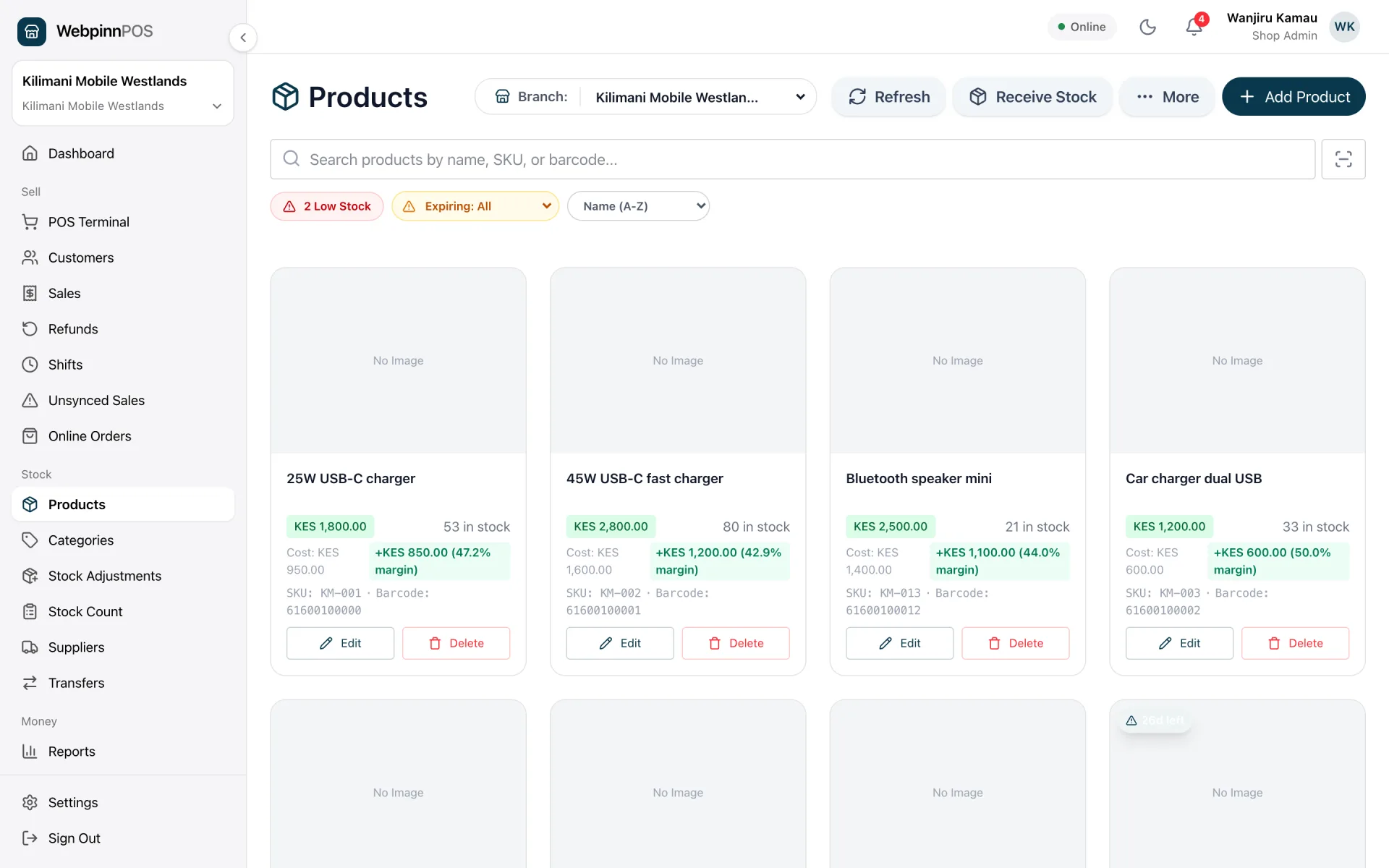
Screenshots of the real app, filled with sample data.
WebpinnPOS connects directly to your WooCommerce store using its REST API. No plugin installation needed on WordPress. Just an API key.
All data flows that are live between WebpinnPOS and your WooCommerce store.
| Data | Direction | How it works |
|---|---|---|
| ProductsName, price, description, image | WooCommerce → POS | Manual sync + 30-min background sync |
| Product variationsVariation-level stock, price, SKU | WooCommerce → POS | All variation combinations imported automatically |
| BarcodesSKU, GTIN, custom barcode meta | WooCommerce → POS | Reads _barcode, _wc_gtin, barcode, gtin, _global_unique_id meta fields |
| Categories | WooCommerce → POS | WooCommerce categories mapped to POS categories |
| Inventory quantities | WooCommerce → POS | 30-min background sync + webhook on product update |
| Stock after in-store sale | POS → WooCommerce | Real-time. Pushes on every completed sale |
| Online order stock deduction | WooCommerce → POS | Via HMAC-verified order.created / order.updated webhook |
| Order details & fulfillmentCustomer, line items, payment status | WooCommerce ⇄ POS | Viewable on the Online Orders page; marking fulfilled in WebpinnPOS updates WooCommerce |
No WordPress plugin required. Connection uses an API key generated in your WooCommerce dashboard.
In WordPress go to WooCommerce → Settings → Advanced → REST API. Add a key with Read/Write permissions.
Go to Settings → Integrations and click "Connect WooCommerce".
Enter your WordPress site URL, consumer key, and consumer secret. Click Connect.
Click "Sync Products" to import your catalogue. The 30-minute background sync starts automatically.
The Standard plan starts at KES 1,500/month and Multi-Branch at KES 2,500/month, with no add-on required.
Step-by-step guide: API credentials, barcode setup, stock sync, and common gotchas.
Read the guideConnect WebpinnPOS to WooCommerce and stop updating stock in two places.
14 days free. No credit card required.