In-store sale → Shopify
- Customer buys an item at your physical shop. You process the sale in WebpinnPOS.
- WebpinnPOS deducts stock from its inventory records immediately.
- The updated stock level is pushed to Shopify automatically. In real time.
Keep your shop and your Shopify store in sync.
When you sell at the counter, Shopify updates, and when a Shopify order comes in, your till knows about it. There is no app to install.
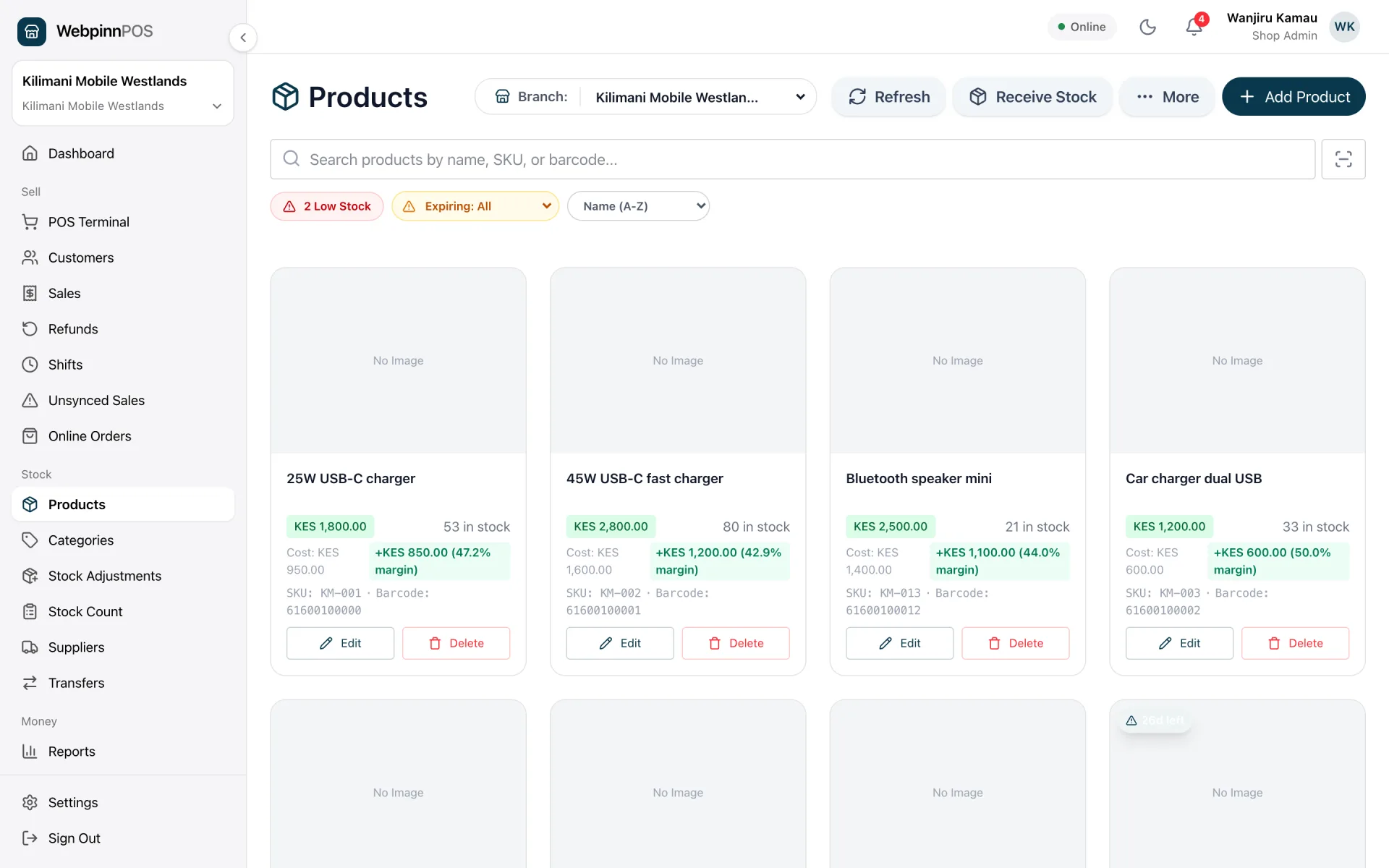
Screenshots of the real app, filled with sample data.
WebpinnPOS connects to your Shopify store using the Shopify Admin API. Stock flows in both directions so your online and in-store inventory always match.
All live data flows between WebpinnPOS and your Shopify store.
| Data | Direction | How it works |
|---|---|---|
| ProductsName, price, SKU, barcode, image | Shopify → POS | Manual import + 30-min background sync |
| Product variants | Shopify → POS | All variants included in product sync |
| CategoriesFrom Shopify product type | Shopify → POS | Mapped from Shopify product_type field |
| Inventory quantities | Shopify → POS | 30-min sync + webhook on inventory_levels/update |
| Stock after in-store sale | POS → Shopify | Real-time. Pushes on every completed sale |
| Online order stock deduction | Shopify → POS | Via orders/create webhook; paid orders only |
| Order details & fulfillmentCustomer, line items, payment status | Shopify ⇄ POS | Viewable on the Online Orders page; marking fulfilled in WebpinnPOS updates Shopify |
| Multi-location inventory | Shopify → POS | Shopify locations are read during sync |
The connection uses Shopify OAuth. No API keys to copy, no plugin to install.
In your WebpinnPOS dashboard, go to Settings → Integrations and click "Connect Shopify".
Type your Shopify store address (e.g. yourstore.myshopify.com) and click Connect.
You will be redirected to Shopify to approve the connection. Click Install and you are returned to WebpinnPOS.
Click "Sync Products" to import your Shopify catalogue. The background sync then runs every 30 minutes automatically.
The Standard plan starts at KES 1,500/month and Multi-Branch at KES 2,500/month, with no add-on required.
Step-by-step guide: what syncs, what you need to set up first, and how to go live in one day.
Read the guideConnect your Shopify store to WebpinnPOS and let inventory sync handle itself.
14 days free. No credit card required.